Locate the 'Recognize' tab at the top of the homepage, then click on the heart icon to acknowledge someone.
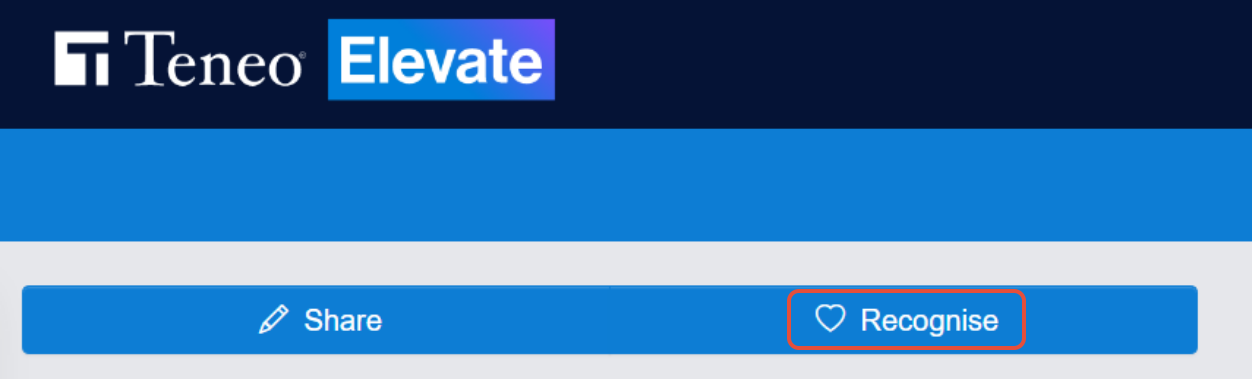
A window will appear displaying various recognition cards.
In the example below, let's send a standard recognition card.

After selecting your card, the window will refresh to a new screen. Begin typing the name of the colleague you wish to recognize, and the system will suggest available colleagues.
Once their name appears, you can select it. You also have the option to recognize an entire group or department by choosing 'groups' instead of individual people.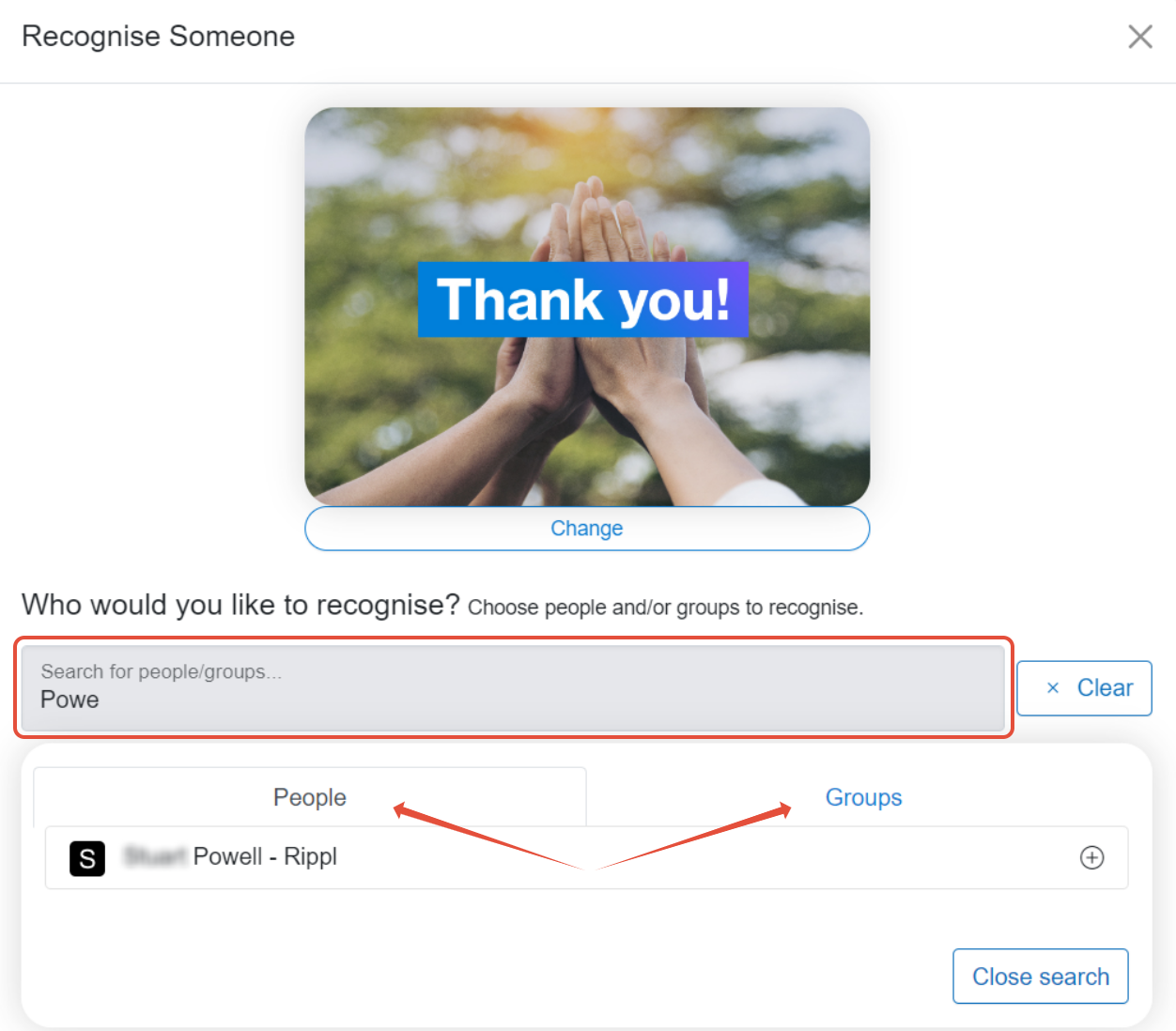
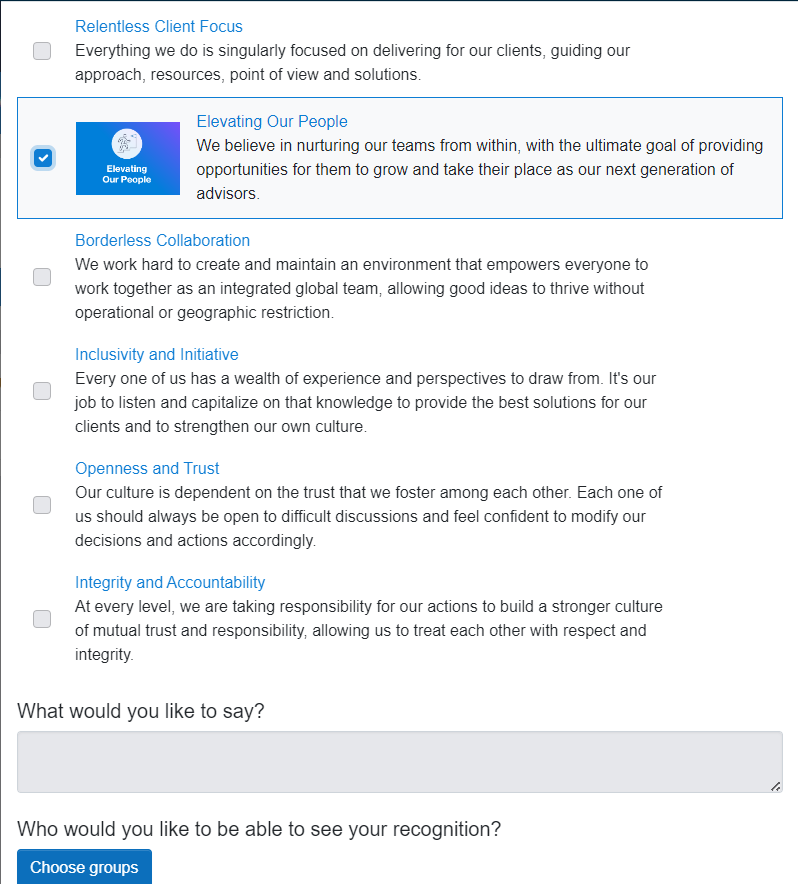
Once you've chosen whom to recognize, you may be able to select which company values you believe your colleague has demonstrated. You'll also have the option to include a public message explaining why you chose to send your Recognition.
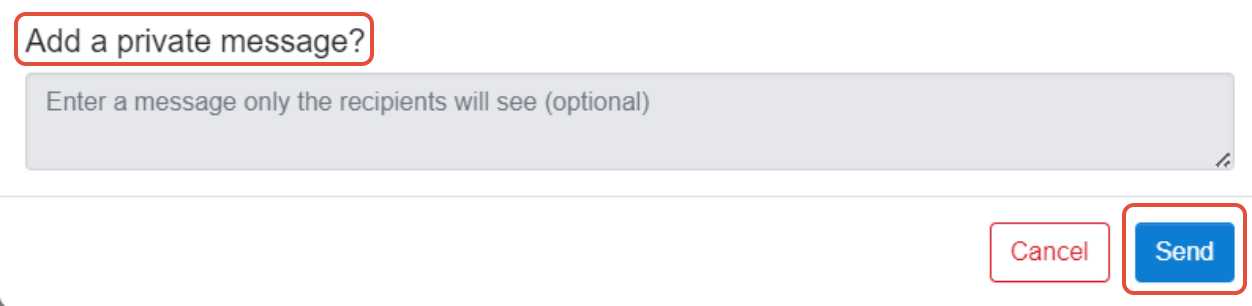
Please note: All Recognitions will be visible on the main Recognition page. However, before sending your Recognition, you'll have the choice to add a private message (visible to the recipient only). To do this, type your message into 'Add a private message' and then click 'Send'! Your Recognition card will be visible to all users in the Recognition section.
Was this article helpful?
That’s Great!
Thank you for your feedback
Sorry! We couldn't be helpful
Thank you for your feedback
Feedback sent
We appreciate your effort and will try to fix the article