Since the account information on our website is primarily populated with data received from your internal HR and IT teams, only specific account details are editable by users.
To change your account details, follow these steps:
- Click on the menu icon in the top-right corner of the website.
- Select 'Edit My Details' from the dropdown menu.
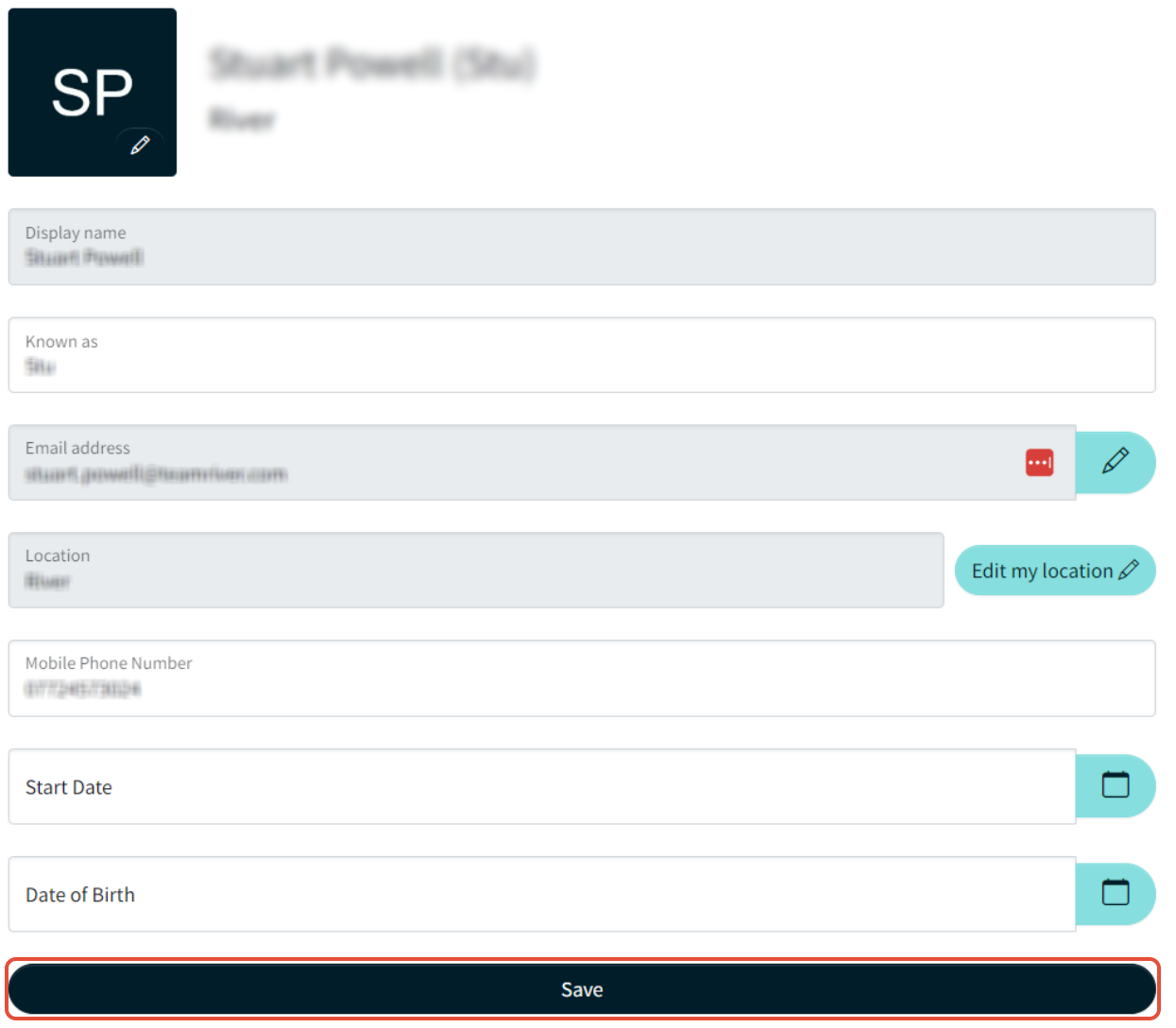
- On the 'Edit My Details' page, you can:
- Update your profile picture.
- Edit the name you are 'known as', if applicable.
Note:
- Any fields that are greyed out cannot be edited via the platform.
- For changes to uneditable information, you will need to contact your HR team directly.
Need Help?
- If you're having issues updating your details, please contact our customer support team. We're happy to assist with any problems you may encounter.
War dieser Artikel hilfreich?
Das ist großartig!
Vielen Dank für das Feedback
Leider konnten wir nicht helfen
Vielen Dank für das Feedback
Feedback gesendet
Wir wissen Ihre Bemühungen zu schätzen und werden versuchen, den Artikel zu korrigieren